General
|
Topics: |
This section describes the general functionality of Data Quality Monitor (DQM).
Saving State
The state of the DQM page is saved until the session times out or a user logs out. All breakouts, filters, tabs, and show by criteria selected on both DQ and BI tabs are saved. This means you will not lose criteria when you return to the DQM page from any other page in the application (for example, 360 Viewer). This is common for all components of the application.
Loader
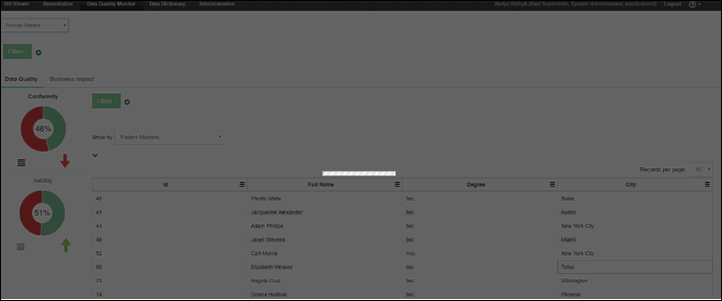
Whenever a request is being sent, the loader will be displayed on the page, shading out the content, as shown in the following image.
Breadcrumbs
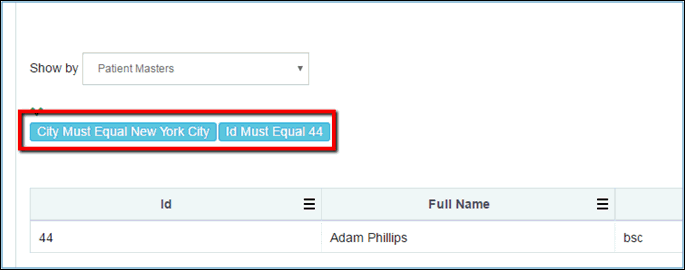
Whenever a filter or breakout is added, a breadcrumb trail is added as well. Breadcrumb trails provide a better visual representation of the level the user is at the moment, as shown in the following image.
Hierarchy
DQM page changes affect all criteria selected below the change. So if you have a breakout added and a show by displayed for one of the tabs and then you add global filter (or local filter above breakout), both breakout and show by will be discarded.
This logic is valid for all criteria including filters, breakouts, and show by. Everything that was added below a new criterion will be discarded.