Starting Elasticsearch
|
How to: |
Data Quality Monitor (DQM) uses Elasticsearch to store and search your data. You can find a fully configured Elasticsearch instance within the DataQualityMonitor directory (on FTP).
Important: The recommended Java version is Java 8 update 73 or higher. Elasticsearch will not start if an incompatible version of Java is used.
Procedure: How to Start Elasticsearch
- Navigate to the Omni Console and verify that Elasticsearch is started, as shown in the following image.
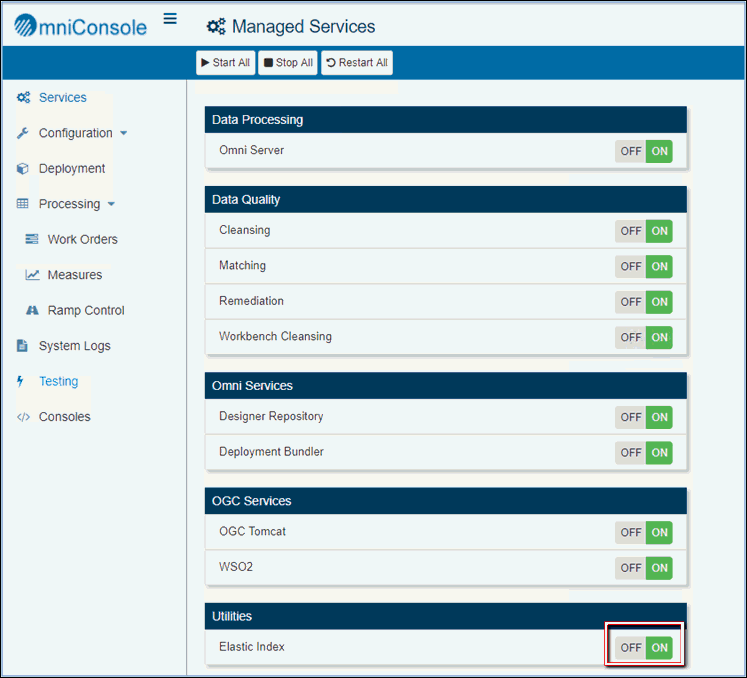
- If Elasticsearch is not started, then click the ON switch to start the service.