Importing a Sample Channel Archive Using iWay Service Manager
|
How to: |
This section describes how to import a sample channel archive for the iWay Log Event Adapter for Oracle using iWay Service Manager.
Procedure: How to Import the Channel Archive
To import the channel archive:
- From the Windows Start menu select All Programs, iWay
7.0 Service Manager, and then Console.
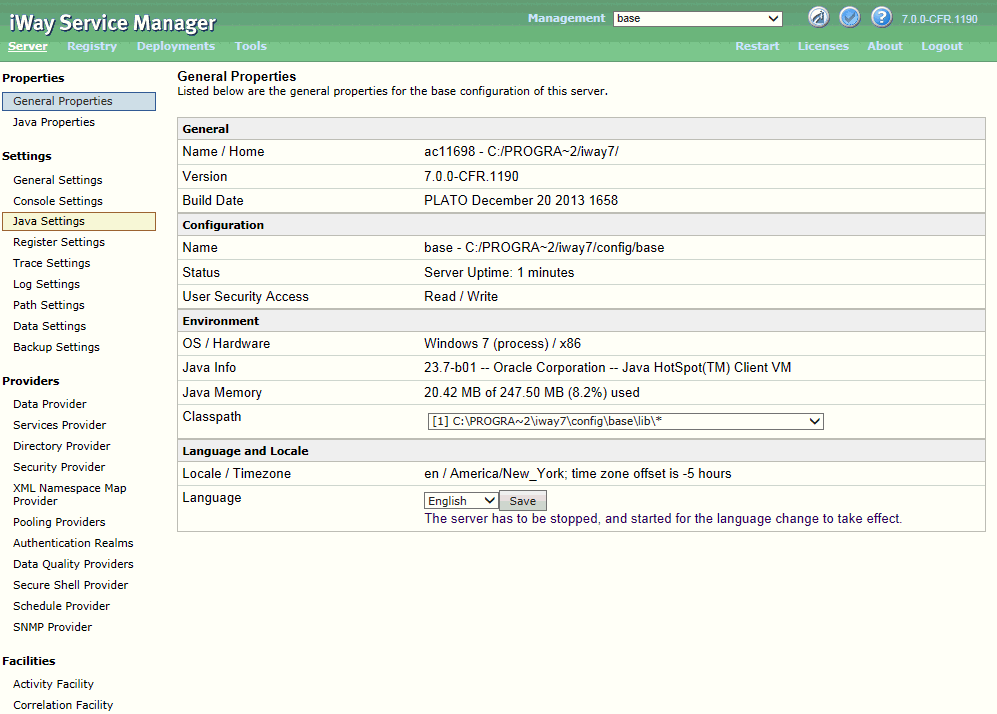
- Click Tools in the top pane.

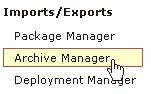
- In the left pane, select Archive Manager.
The Archive Manager pane opens, as shown in the following image.
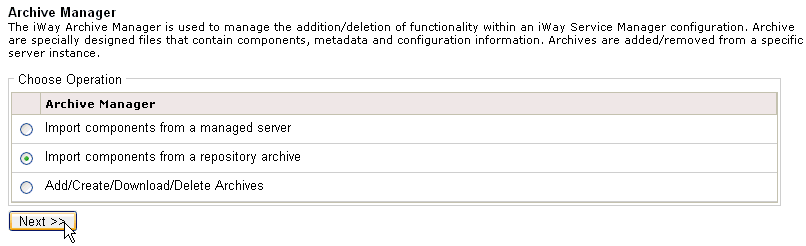
- Select Import components from a repository archive and
click Next.
The Select repository archive to import pane opens.
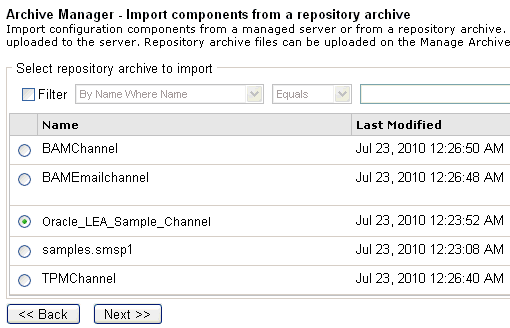
- Select the Oracle_LEA_Sample_Channel archive from the list.
- Click Next.
The Select components to overwrite pane opens.
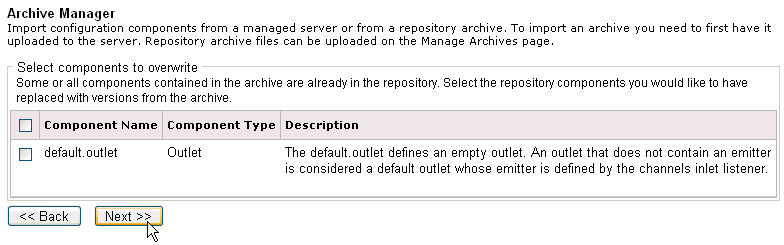
- Click Next.
A status pane opens for the Oracle_LEA_Sample_Channel archive you successfully imported, which also lists all of the individual components that have been imported.
- Click Finish.